


Multi-Language Support
As collaboration between different locations becomes more prevalent, the need for better accessibility increases. Working with a program that is not in a native language can hinder efficiency and productivity, therefore Papercurve has implemented multi-language support capabilities. By having the platform in the user’s preferred language, it will increase software adoption rates and improve user experience.
How it works
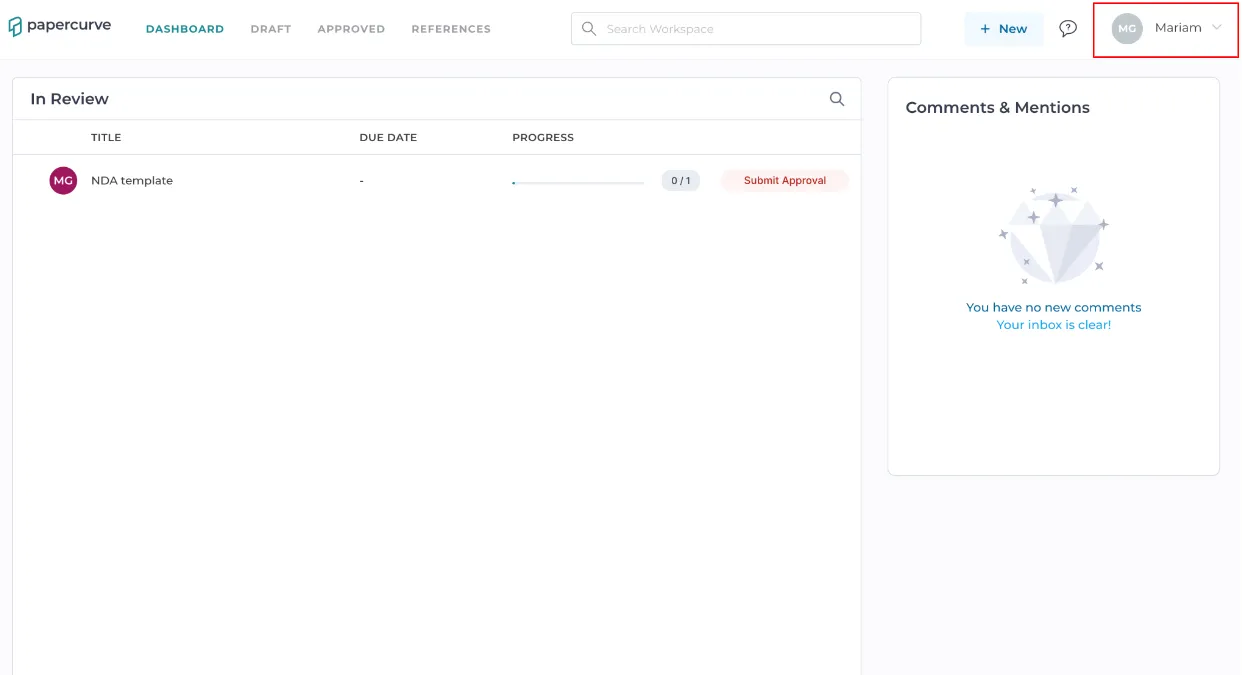
1. To access the language select option on Papercurve, click on your user drop down menu on the top-right corner.
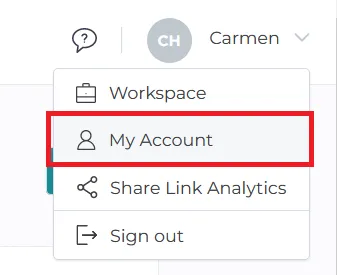
2. Click on the “My Account” option.
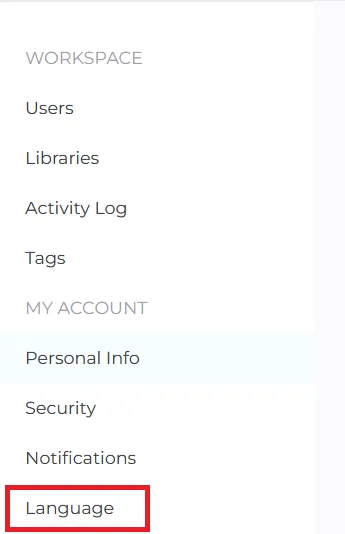
3.On the account screen, select the Language panel on the left side panel.
4.In the language screen, select the desired language using the drop-down menu.
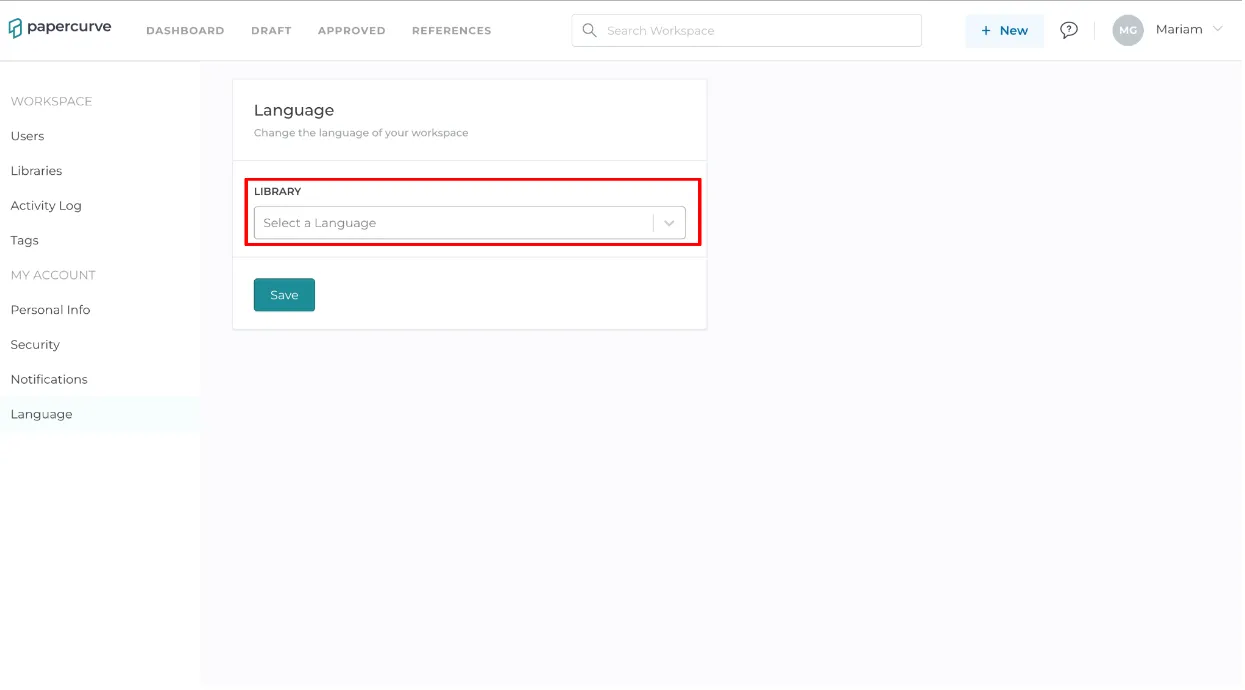
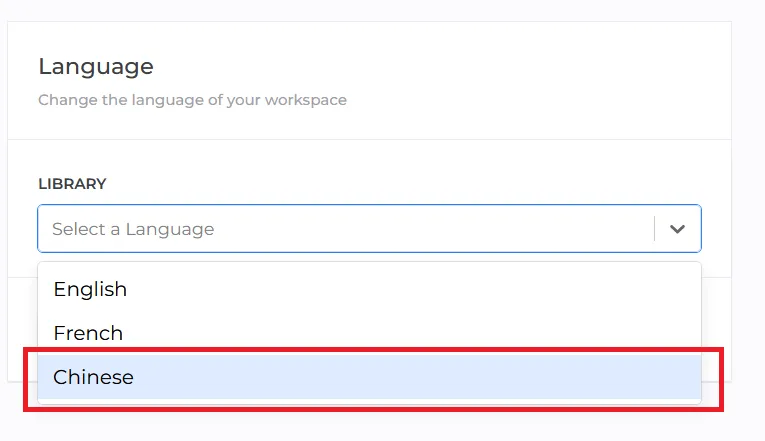
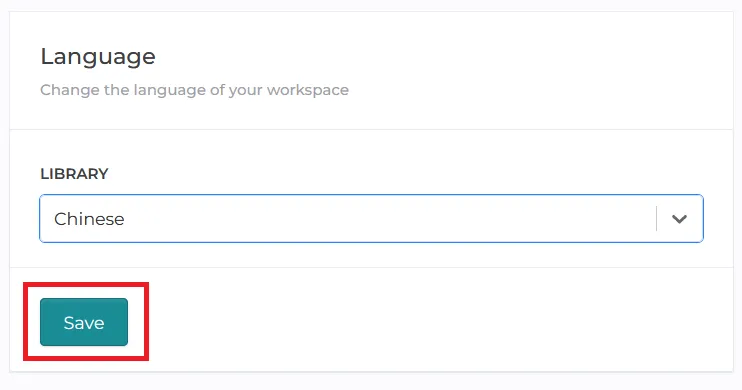
5.Once the desired language is selected, click on the save button to apply the language change.
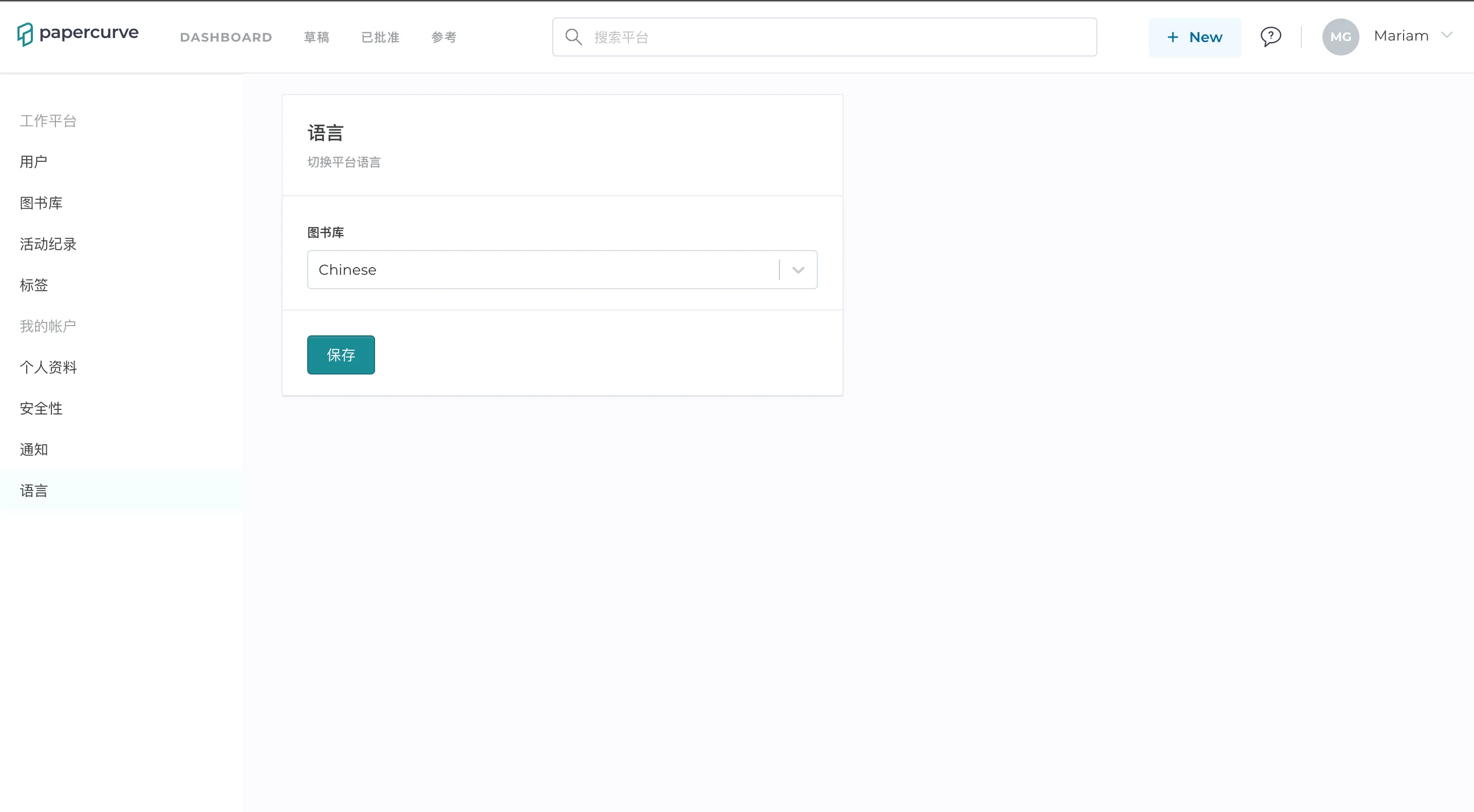
6.After the language is saved, the change can be seen immediately on the user’s platform.
Still have questions?
Chat
9am – 5pm Eastern Time, by clicking the icon in the bottom right corner of the screen.